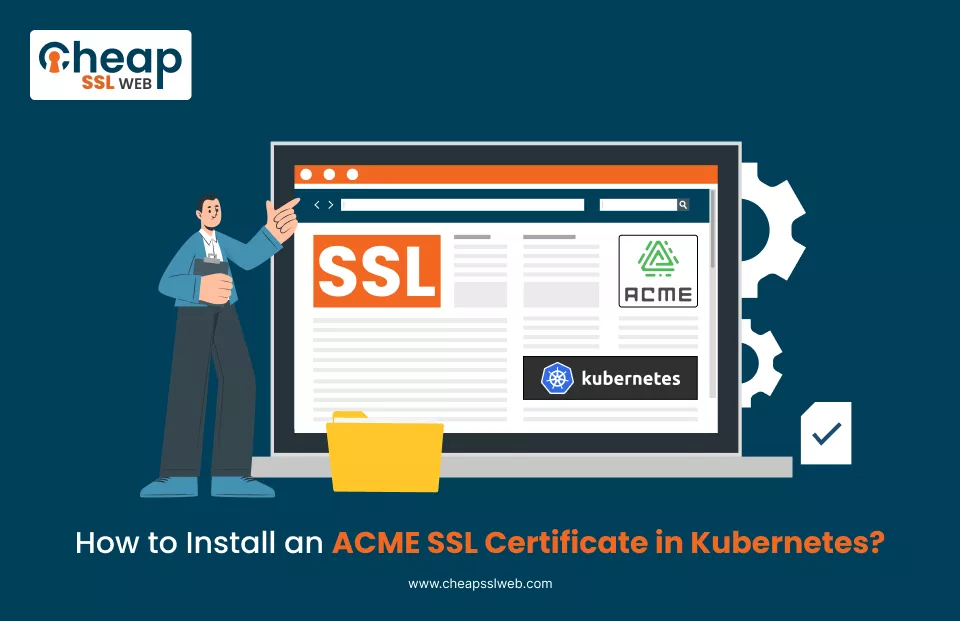
An alternative approach will need to be used when securing applications running on Kubernetes versus using traditional servers or hosting panels.
The Kubernetes environment allows for using a fully automated and scalable method of managing and deploying SSL certificates with a declarative approach compared to the manual installation process typically used by systems based on the ACME protocol.
With tools such as cert-manager and providing External Account Binding from companies such as DigiCert and Sectigo, you can eliminate the need to manually issue, deploy, and renew your SSL certificate throughout your entire cluster.
This documentation shows you how to install and configure the ACME SSL certificate on Kubernetes and will include an explanation of the architectural concepts of an ACME SSL certificate installation, so that not only can you implement the installation, but also have some insight into how an ACME SSL certificate works.
Prerequisites
Before beginning the process, ensure that you have the following:
- At least a functioning Kubernetes cluster (v1.23+ recommended)
- A configured ‘kubectl‘ command line utility connected to your Kubernetes cluster
- One of the popular ingress controllers (NGINX or Traefik, etc.) in place and functioning correctly
- A DNS entry that points to the public IP of your ingress controller
- ACME credentials from your cert provider (which should include): ACME Directory URL, EAB Key ID (KID), and EAB HMAC Key
Steps to Install an ACME SSL Certificate in Kubernetes
Step 1: Install cert-manager
The first step to get an ACME SSL certificate using Kubernetes requires installing cert-manager. The recommended way to set up cert-manager is using Helm.
Helm accomplishes this by setting up all the things needed for cert-manager to work correctly, including CRDs, webhooks, controllers, etc…
kubectl create namespace cert-manager
helm repo add jetstack https://charts.jetstack.io
helm repo update
helm install cert-manager jetstack/cert-manager \
 --namespace cert-manager \
 --version v1.14.4 \
 --set installCRDs=true
After installation, verify that all pods are running:
kubectl get pods -n cert-managerYou should see cert-manager, cert-manager-webhook, and cert-manager-cainjector in a running state.
Step 2: Create a Secret for EAB Credentials
Next, you need to securely store your EAB credentials using a Kubernetes secret. Storing your credentials using a Kubernetes secret keeps your sensitive keys secure by encrypting the data in transit.
kubectl create secret generic acme-eab-secret \
 --namespace cert-manager \
 --from-literal=eab-kid="YOUR_EAB_KID" \
 --from-literal=eab-hmac-key="YOUR_EAB_HMAC_KEY"
You will replace the example values with your actual values and then reference this secret in your issuer configuration.
Step 3: Create a ClusterIssuer
Now define a ClusterIssuer, which tells cert-manager which ACME server to use and how to authenticate using EAB.
apiVersion: cert-manager.io/v1
kind: ClusterIssuer
metadata:
name: acme-issuer
spec:
acme:
   server: https://acme.yourca.com/v2/DV
   email: [email protected]
   privateKeySecretRef:
     name: acme-private-key
   externalAccountBinding:
     keyID: YOUR_EAB_KID
     keySecretRef:
       name: acme-eab-secret
key: eab-hmac-key
solvers:
         - http01:
         ingress:
           class: nginx
Apply this Configuration:
kubectl apply -f clusterissuer.yamlThis step connects your Kubernetes cluster to your certificate authority.
Step 4: Create a Certificate Resource
Next, create a Certificate resource that defines which domain you want to secure. cert-manager will automatically request and generate the certificate.
apiVersion: cert-manager.io/v1
kind: Certificate
metadata:
 name: my-ssl-cert
 namespace: default
spec:
secretName: my-ssl-cert-tls
issuerRef:
 name: acme-issuer
   kind: ClusterIssuer
 commonName: yourdomain.com
 dnsNames:
   - yourdomain.com
   - www.yourdomain.com
Apply it:
kubectl apply -f certificate.yamlOnce applied, cert-manager will initiate the ACME challenge and generate the certificate.
Step 5: Configure Ingress to Use SSL
Now update your ingress resource to use the generated TLS certificate. This is where HTTPS actually gets enabled.
apiVersion: networking.k8s.io/v1
kind: Ingress
metadata:
 name: my-ingress
 namespace: default
 annotations:
   cert-manager.io/cluster-issuer: acme-issuer
spec:
 tls:
   - hosts:
       - yourdomain.com
       - www.yourdomain.com
     secretName: my-ssl-cert-tls
 rules:
   - host: yourdomain.com
http:
paths:
         - path: /
           pathType: Prefix
           backend:
             service:
               name: your-service
               port:
                 number: 80
Apply it:
kubectl apply -f ingress.yamlOnce this is done, your application will start serving traffic over HTTPS.
Step 6: Verify Certificate and Auto-Renewal
After deployment, verify the certificate status:
kubectl describe certificate my-ssl-certYou can also check certificate requests:
kubectl get certificaterequestsTo manually test renewal:
kubectl cert-manager renew my-ssl-certThe TLS Secret, issued by cert-manager, can be automatically renewed and updated at least 30 days before the actual certification expires, with no interruption or disruption in service during the process of renewing the TLS certificate.
Conclusion
When cert-manager is set up to automatically create and manage certificates for you, you will not have to manually work to keep your site secure, and there will be no downtime associated with that process.
By using CheapSSLweb as your SSL provider, you can be sure that your SSL Certificates will come from leading SSL providers like DigiCert and Sectigo, will have excellent pricing and enterprise-quality features, and will work with Kubernetes and contemporary ACME processes without issue. Purchase Sectigo ACME Certificate and enjoy automation.

Explore More Knowledgebase Contents
Browse our library of SSL/TLS articles covering installation guides, troubleshooting, certificates, encryption, and website security.