Introduction
Having an SSL certificate installed isn’t something you can control. If you don’t have it installed, you’re going to face a warning message, and potentially, your website may even fail to load in the browser. However, if you’re new to the SSL certificate, you may face some problems, such as how to install the SSL certificate or what documents to submit to get it issued.
One such issue faced by many is regarding the different file formats of the SSL certificate. Likewise, if you don’t have prior experience with SSL certificates, it’ll be more frustrating for you to find out what all these SSL certificate formats and extensions mean and what you should do with them.
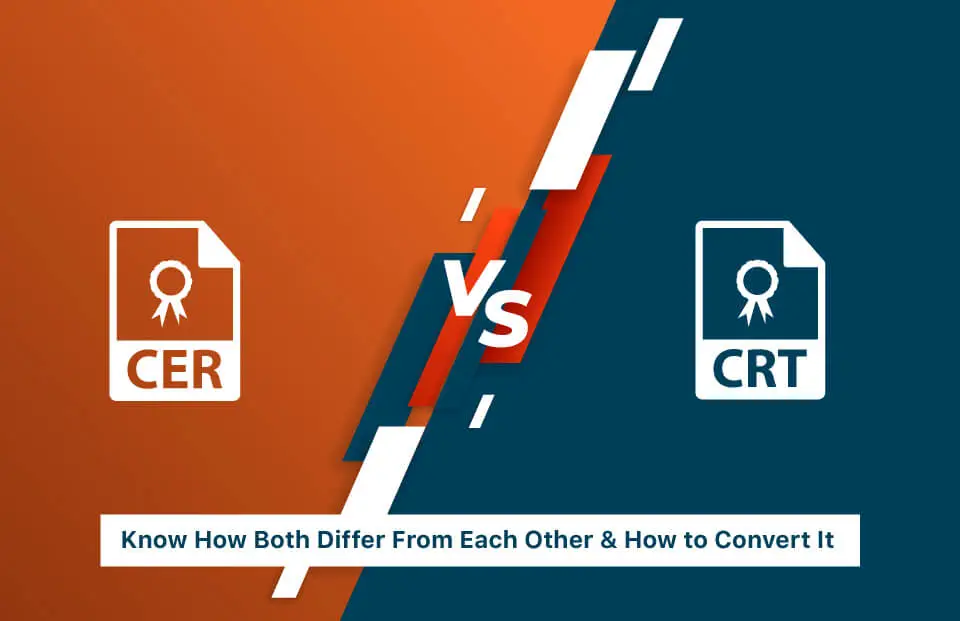
Nonetheless, if you’ve come across any SSL file extensions such as CER or CRT, then don’t worry. We’ll explain it to you and let you know the difference between CER vs. CRT.
What is a CER File?
A CER file is a digital certificate file that stores an SSL/TLS certificate in a standardized format. It usually contains only the public key and certificate details, not the private key. CER files are commonly used on Windows systems and are encoded in DER (binary) or Base64 (text) format. They help browsers and systems verify a website’s identity.
What is a CRT File?
A CRT file is a certificate file used mainly on Linux and Unix-based systems. It typically contains an X.509 SSL/TLS certificate and may also include intermediate or root certificates. CRT files are usually PEM (Base64 format) and are widely used by web servers like Apache and Nginx to enable secure HTTPS connections.
The .crt file is used primarily on UNIX-based operating systems and is a requirement to establish an encrypted connection (HTTPS).
X.509 Certificate Filename Extensions
All SSL certificates are known as X.509 certificates. Similarly, these digital certificates also have different file extensions and formats. Some of the commonly used filename extensions that you should know about are:
- .p7c & .p7b – It’s just certificates or CRLs. A PKCS#7 SignedData structure without any data.
- .pfx – The predecessor of PKCS#12 PFX is the file extension that consists of PKCS#12 data. For instance, PFX files get generated in IIS.
- .p12 – It’s a PKCS#7 type of file format, which is password protected. Likewise, it may contain certificates that include private or public keys.
- .pem – PEM (Privacy Enhanced Electronic Mail) is the Base64-encoded DER certificate which is enclosed between the beginning and end line like: “—–BEGIN CERTIFICATE—–” and “—–END CERTIFICATE—–”.
.der, .crt & .cer – These certificates come in two different file format Base64-encoded and Binary DER format. Likewise, it’s quite commonly used.
How do they differ from each other?
CER and CRT are both file extensions related to SSL certificates, and there’s not a significant difference between them; they’re also quite similar for SSL certificates. But there’s a certain difference, which makes it quite substantial. For instance, some servers require CER file extensions while others go well with CRT file extensions.
These file extensions are used for an SSL certificate, and each of them is recorded within a Binary DER or an ASCII PEM file format. Also, CER & CRT are both file extensions that are common among the Unix operating systems.
Comparing CER and CRT
| Feature | CER File | CRT File |
| Definition | Digital certificate containing a public key to authenticate a website/server | Digital certificate used to verify a website/server identity |
| Encoding | DER (binary) or PEM (Base64) | DER (binary) or PEM (Base64) |
| Operating System Support | Unix/Linux (commonly) | Unix/Linux (commonly) |
| Usage | Some servers specifically require .cer | Some servers specifically require .crt |
| Conversion | Can be converted to .crt | Can be converted to .cer |
| File Format | X.509 Certificate | X.509 Certificate |
How to Convert CER to CRT?
Though CRT and CER formats are quite similar, it’s possible to use both interchangeably by changing their extension.
You can convert between CER and CRT using Windows tools, Linux, OpenSSL, or CertManager. Below are various methods:
Using Windows GUI
- Double-click the .crt or .cer file.
- Go to Details → Copy to File.
- Select Base-64 encoded X.509 (.CER).
- Browse, choose a filename, and save.
Using OpenSSL (Windows / Linux / Mac)
CER to CRT:
openssl x509 -in certificate.cer -out certificate.crtCRT to CER:
openssl x509 -in certificate.crt -out certificate.cerUsing Linux Commands
If the certificate is in DER (binary) format:
DER to PEM (CRT or CER):
openssl x509 -inform der -in certificate.der -out certificate.crtPEM to DER:
openssl x509 -outform der -in certificate.crt -out certificate.derUsing CertManager / Certificate Tools
- Import the certificate into CertManager.
- Export it with the desired format (.crt or .cer).
- Select encoding type (PEM or DER) during export.
Also Read: How to Convert CRT to PEM, DER to PEM, and CER to PFX?
Conclusion
If you want to make your site secure now, then use CheapSSLWeb! We provide affordable SSL Certificates that can be installed easily, quickly, and securely. Having an SSL Certificate will protect your visitors and improve your SEO ranking – Get your SSL Certificate today!

Secure your Website with SSL
Enables an Encrypted Connection between Website and Browser Using Trusted SSL Certificate Encryption!
Starts at Just $3.99/Yr