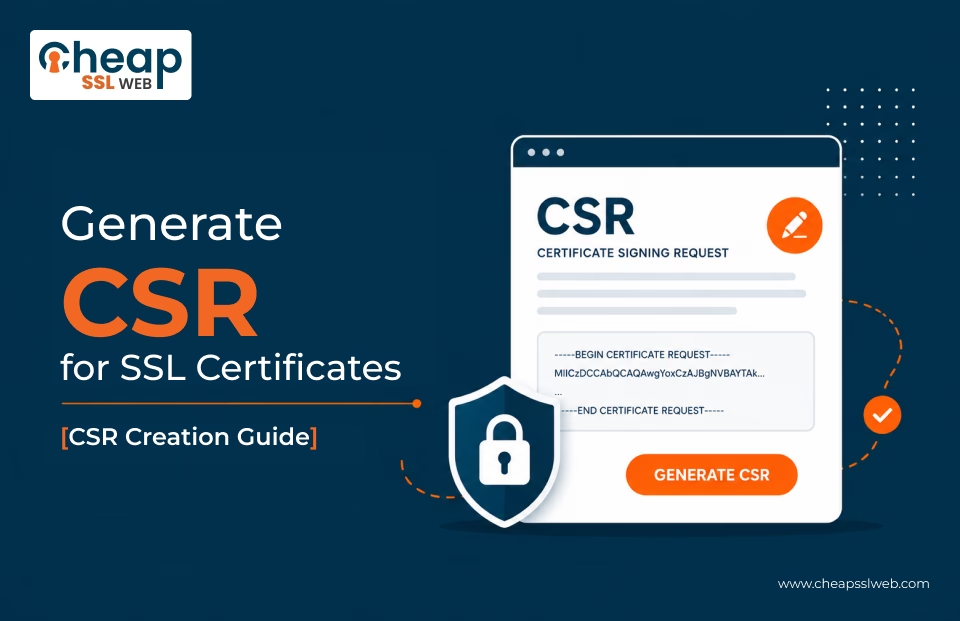
Learn how to generate a Certificate Signing Request (CSR) for SSL certificates using popular servers, hosting panels, operating systems, and security tools. Follow simple step-by-step tutorials to create a CSR and private keys correctly for smooth SSL issuance and installation.
A Certificate Signing Request (CSR) is a file generated on your server containing domain and organization information, along with the public key required for SSL certificate issuance. Proper CSR generation is important to ensure accurate certificate details and secure private key creation.
Incorrect CSR generation may delay SSL issuance or cause certificate mismatches. Proper CSR creation ensures smoother enrollment and secure certificate deployment.
Browse Certificate Signing Request (CSR) Creation Tutorials
Most Popular Platforms
How CSR Generation Works
After purchasing an SSL Certificate as per your requirement, follow below steps for CSR creation:
Choose Platform
Select the server or hosting environment.
Enter Required Details
Add domain and organization information.
Create Keys
Generate a public and private key pair. Never share private key.
Generate CSR
Create and download the CSR file. Save it locally.
Need Help with CSR Creation?
Our SSL and PKI specialists can help create a CSR, troubleshoot errors, and guide you through SSL enrollment and installation.