What Is ACME Automation in AutoInstall SSL?
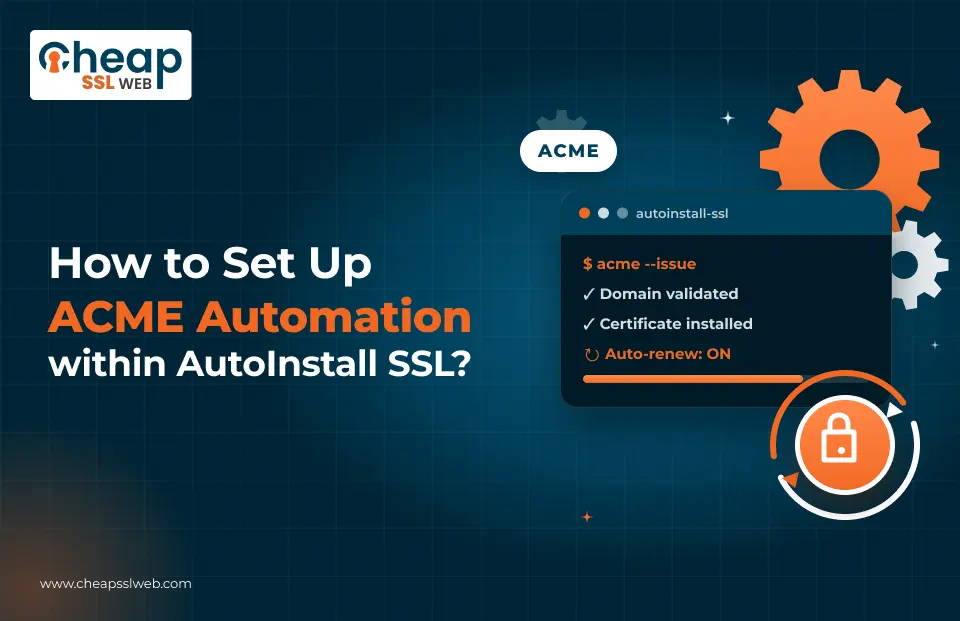
ACME automation in AutoInstall SSL is when you use the ACME protocol to obtain and install SSL through AutoInstall SSL. With ACME Automation in AutoInstall SSL, you eliminate manual installations, reuse credentials, and make sure that your ACME client is supported.
Choose between ACME credentials for the client you have or go with the environment-specific setup wizard. Following the guide below, you will be able to get ACME, install an agent, validate, and install the certificate.
What Do You Need Before Starting?
You need a server/host supporting ACME either natively (e.g., Caddy) or with an ACME agent installed. Get started with the AutoInstall SSL order where you have ACME available.
When getting wildcards, your DNS provider should have API access and your ACME agent should have a plugin/connector for your provider. File validation is typically easier, while DNS validation is necessary for wildcards.
How Do You Access ACME Automation?
AutoInstall SSL lets you access ACME in two ways. Choose based on how you will automate ACME:
Choose ACME As The Environment
- Launch the order in the AutoInstall SSL flow and choose ACME as your environment.
- Grab the ACME credentials from the ACME tab in your order details, including EAB (External Account Binding).
- Use these credentials with any ACME client.
But What if You Choose Your Actual Environment?
- Choose the real hosting or server environment. If ACME remains invisible, go to Agent Options.
- After that, AutoInstall SSL will display instructions for the environment-specific ACME.
How Do You Install an ACME Agent?
This step is optional if your stack supports ACME; Caddy is usually the best example. Otherwise, install any ACME agent on your server where the issuance will be performed.
AutoInstall SSL may suggest an ACME agent compatible with your environment. But you can use any ACME client. Install the agent on the same host where the issuance will be performed to be able to create the validation files or perform DNS API calls during challenges.
How Is the Certificate Issued and Installed?
Although the syntax varies depending on which ACME client is used, the process will always be similar. First, register the agent with the certificate authority via the ACME EAB credentials from your order. Then, request the certificate, validate it, and install the file on your web server.
AutoInstall SSL comes with commands that are ready for use in many environments with those credentials inserted into them. The command must run on the host running the agent itself.
The recommended method of validation for a regular hostname would be the file method. It is faster to implement and less likely to fail. Use DNS validation only for wildcard domains, and make sure the DNS provider API and agent plugin have been set up first.
Which Validation Method Must You Apply?
File (HTTP) validation must be used for all hostnames except wildcard validation, which requires a DNS provider with an API and a plugin for the ACME protocol that will interface with it. If you are unsure about the DNS provider that is being used in your case, ask for advice from the vendor support before initiating the validation challenge.
What Does ACME Automation Provide for You after Initial Setup?
The same credentials are valid in the future when working with any ACME client you choose to use.
Pre-filled commands eliminate possible errors when using copy-paste. The agent + ACME = issuing and installation every time.
The renewal process is still handled by the client itself; AutoInstall SSL does not have a special renewal screen in sources.
What Do You Need to Remember from This Workflow?
ACME in AutoInstall SSL comes in two types: either generic credentials or environment-specific actions under Agent Options.
In most cases, an ACME agent is required on a host. Avoid it only when the whole stack supports ACME.
Enrol the agent using EAB credentials, validate, and install a certificate in the place where a web server expects it. Begin with file validation; use DNS only for wildcard certificates and when DNS API and plugins are available.
Use the pre-defined commands in AutoInstall SSL if they correspond to your environment. Such credentials can be transferred to any ACME-compliant client.
Ready to Run the Workflow?
Get your AutoInstall + ACME certificates, such as RapidSSL or GeoTrust, RapidSSL Wildcard or GeoTrust Wildcard.
Access ACME, optionally install an agent, enrol with EAB, validate, and install a certificate. Begin by using in-product commands. If you experience problems with DNS or wildcard setup, contact support or browse our ACME Tutorials.

Explore More Knowledgebase Contents
Browse our library of SSL/TLS articles covering installation guides, troubleshooting, certificates, encryption, and website security.