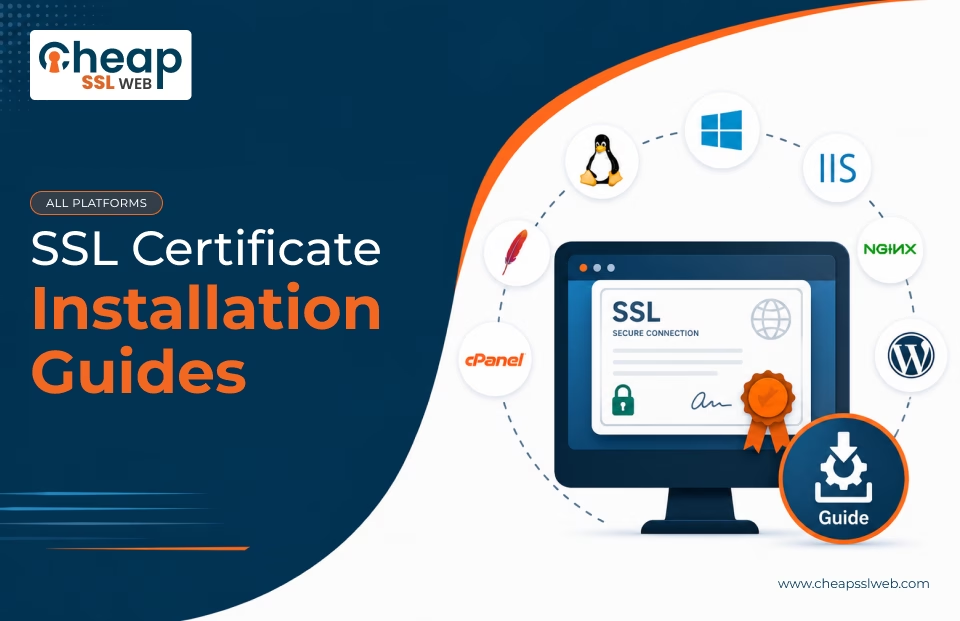
Follow step-by-step SSL certificate installation tutorials for all servers and web hosting platforms like cPanel, Apache, NGINX, IIS, Plesk, cloud platforms, and more. Learn how to install, configure, and troubleshoot SSL certificates with ease.
SSL certificates protect website communication through encryption, but proper installation is equally important. Incorrect configuration may lead to browser warnings, HTTPS failures, or broken certificate chains.
Browse SSL Installation Tutorials & Admin Guide
Most Popular Platforms
Cloud Platforms
Mail Servers and Gateways
Linux & FTP Servers
Linux Platforms
Control Panels
Network Systems, Firewalls, and VPNs
How SSL Installation Works?
After purchasing an SSL Certificate from a trusted provider like CheapSSLWEB or CA, follow the steps below:
Generate CSR
Create a CSR and a private key on your server.
Complete Validation
Finish domain or organization validation.
Download Certificate
Receive SSL and CA bundle files via email.
Install SSL
Upload and configure an SSL cert on your server.
Enable HTTPS
Force HTTPS and verify secure access.
Need Help with SSL Installation?
Our SSL and PKI specialists can help with certificate installation, configuration, troubleshooting, and deployment support.